Event Details
Templates work across event types — this controls the invitation copy, day-of timeline template, and how the event is categorized in your dashboard.
Choose an emoji or themed icon that matches your event
Quick picks:
▶More categories
celebration
wedding
birthday
baby
graduation
holiday
love
food
Pick the tone of the Accept & Decline buttons. Lengths are balanced so the design stays consistent.
What guests see on the day of (and after) the event. Defaults work for most events.
Shown above the invite once the event starts. Max 80 chars.
Default: 30 min before event start
Default: 24h after end (or 7 days after start)
Choose a color palette or customize your own
Preview
You're Invited to Celebrate
Your Event Title
Personalize your invitation with a photo
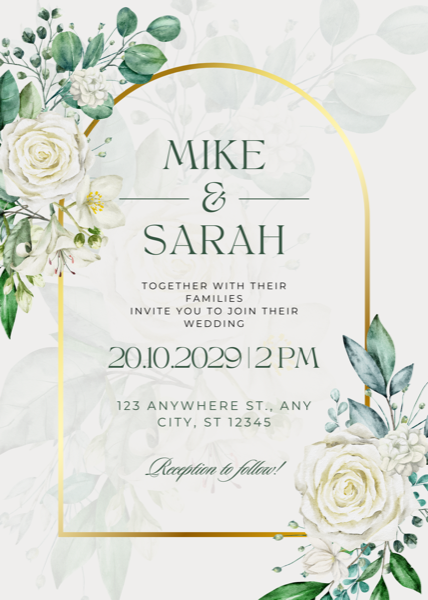
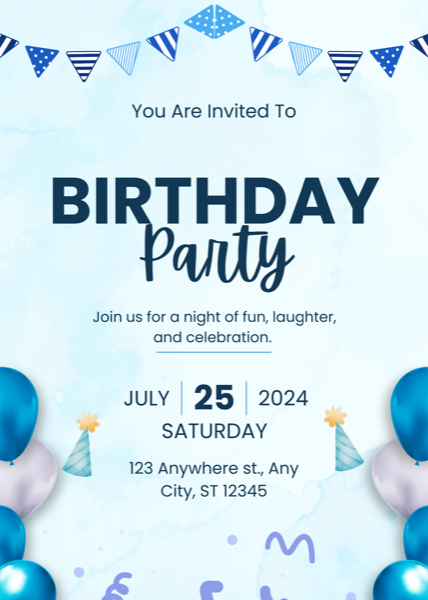
Pro tip
Want a designer look?
Hosts who design their invite in Canva first get a magazine-style result. Takes ~5 minutes.
Live Preview
You're Invited to Celebrate